
Most people do not think about library cards until they need one and cannot find it. But for anyone running a classroom library, a home book collection, a community lending shelf, or a small private library, having a proper system in place makes a real difference. Knowing who has what book, when it is due back, and whether it has been returned keeps things from falling apart over time.
A printed library card is one of the simplest ways to manage that. It goes inside the book, it travels with the book, and it brings the book back. We put together five free blank library card templates that cover different layouts and styles so you can find one that fits your setup.
Why Printed Library Cards Still Work
For classroom settings, especially, a physical card builds accountability in a way that a digital list does not. Students take the process more seriously when there is a tangible record involved. The same holds true for small community libraries, neighborhood book exchanges, and home collections shared among family or friends.
A blank template also lets you customize the card to fit exactly what you need to track. Some situations call for borrower names and return dates only. Others need the author, title, issue details, and multiple signature rows. The five templates here cover all of that range.
A Look at the Five Templates
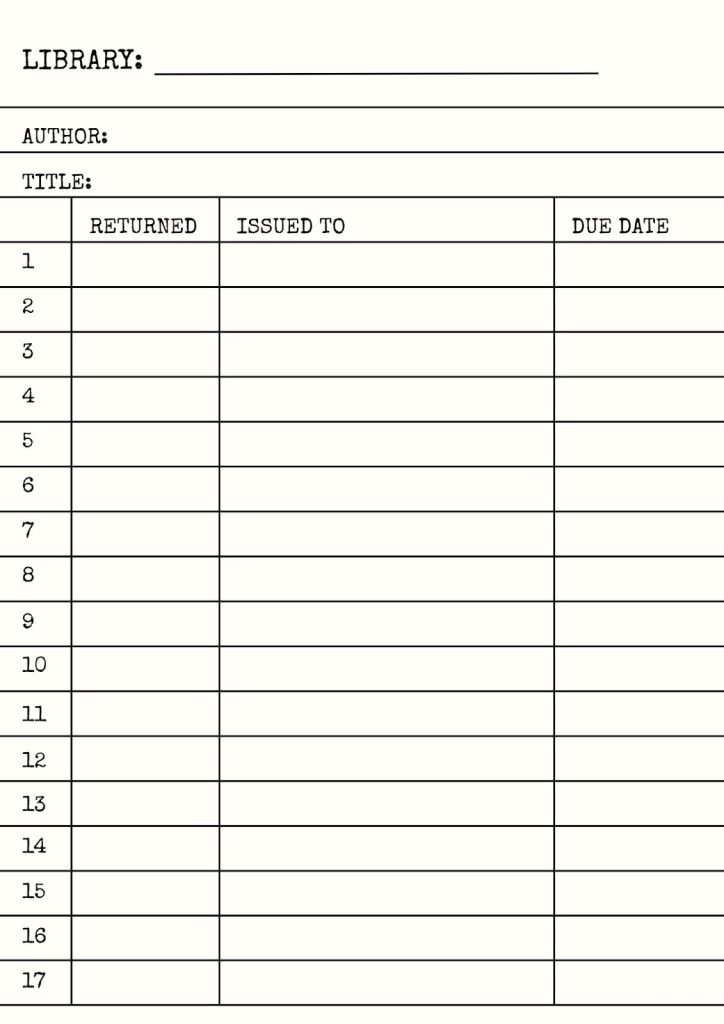
Template 1: Classic Library Checkout Card with Returned Column
This one has the most structured layout. It includes fields for library name, author, and title at the top, followed by a table with four columns: a row number, a returned stamp column, an issued to column, and a due date column.
The returned column is what sets this one apart. It gives whoever manages the collection a dedicated space to mark when a book comes back, which keeps the record clean and easy to read at a glance.
Template 2: Borrower Name and Date Due Card on Pink
The second template keeps things to two columns: date due and borrower’s name. It sits on a soft pink background with blue ruled lines and has space for author and title at the top, plus a blank line for the library or collection name.
The two-column format is fast to fill in and easy to read. You write the name, you write the date, and the card does its job.

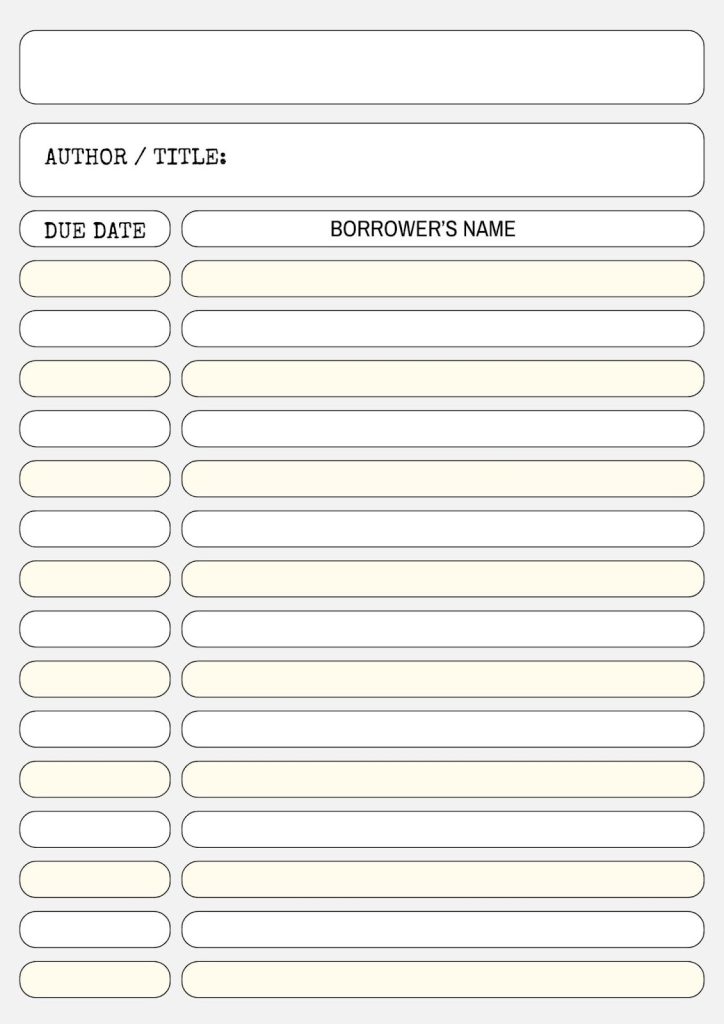
Template 3: Rounded Slot Design on Grey Background
The third template uses a softer visual style. Each row is a pair of rounded pill-shaped slots, one for the due date and one for the borrower’s name. The grey background and cream-tinted slots give it a more modern feel compared to the standard ruled-line designs.
Template 4: Red Border Checkout Card
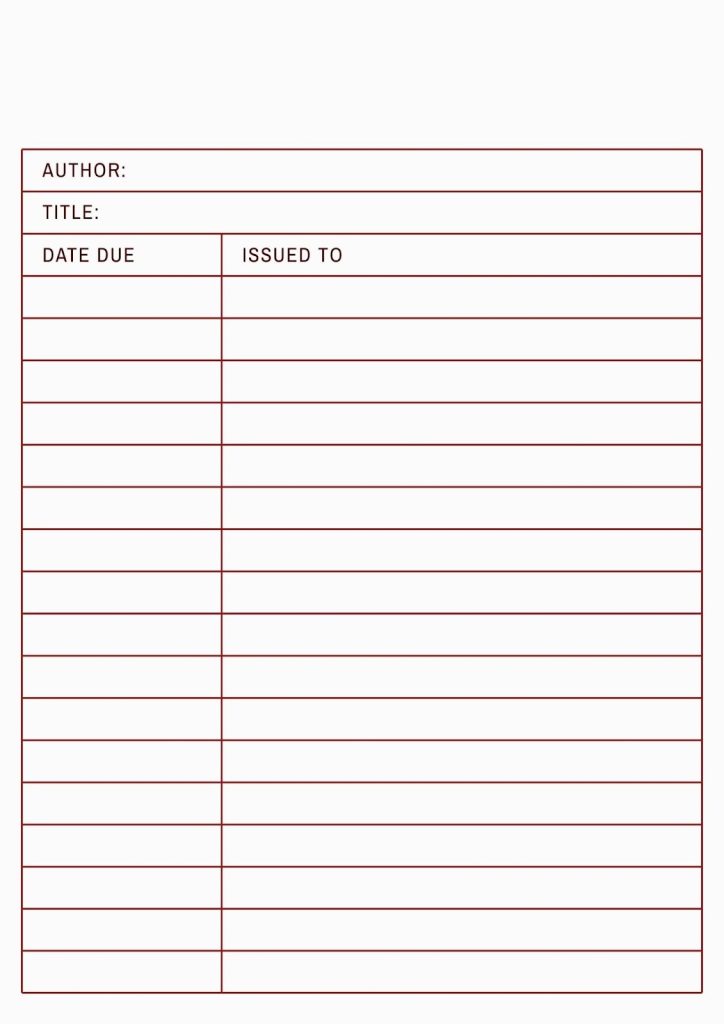
This template uses a clean red border to frame the entire card, with matching red lines separating each row. The fields at the top cover the author and title. The two-column table below tracks the date due and issued to.
The strong color contrast between the red lines and the white background makes this card easy to read even in low light.
Template 5: Wide-Format Card with Name, Title, and Return Date
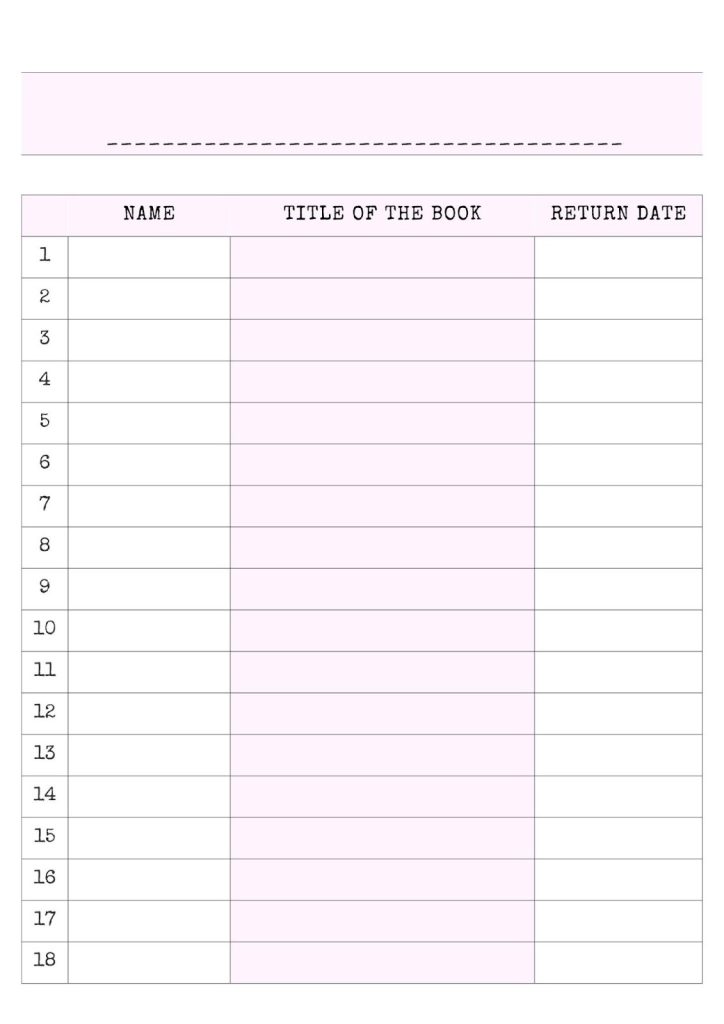
The fifth template flips the layout. Instead of tracking individual borrowers against a single book, this card is designed to track multiple books checked out by a single borrower. The columns cover name, title of the book, and return date, with 18 numbered rows and a blank line at the top for the borrower’s identifier.
This format works well in classroom settings where tracking by person rather than by book is more useful.
If you are building a reading routine alongside your lending system, a printable reading planner bundle gives you everything you need to plan and track your reading in one place.
How to Use These Templates
All five templates are available as PDF files. Print them at home or at any print shop. For cards that will be handled frequently, printing on cardstock rather than standard paper makes a noticeable difference. The card holds up better, stays flat inside the book, and lasts through multiple lending cycles without tearing.
If you also want to track your own personal reading progress, free printable book tracker templates work perfectly alongside any of the library card formats above.
Pick the template that matches how your collection is organized, print a stack, and start using them right away.