
Sending a fax without a cover sheet is like sending a letter without an envelope. The content gets there, but nothing about it tells the person on the receiving end who sent it, what it is about, or how many pages to expect. In a busy office where multiple faxes come through in a day, an uncovered transmission can easily get misplaced, misfiled, or handed to the wrong person entirely.
A fax cover sheet gives the recipient every piece of information they need before they even look at the documents behind it. To make that easier, we have put together templates in different layouts, so there is one here for every kind of office setup and communication style. You can download blank fax cover sheet templates right now and start using them straight away.
Why Skipping the Cover Sheet Is a Bigger Problem Than You Think
Email handles most business communication today, but fax remains in regular use across healthcare, legal, government, and financial settings where a physical transmission record matters. In those environments, a missing or incomplete cover sheet is not just inconvenient. It can create compliance issues, delay processing, or result in sensitive documents being handled by the wrong staff member.
A well-designed cover sheet also adds a layer of professionalism to every transmission. It shows that your organization takes document handling seriously and that whoever receives the fax will know exactly what they are dealing with from the first page.
If you also need a professional header for your outgoing documents, these printable blank letterhead templates give you a ready-made format to pair with your fax transmissions.
What Each Template Looks Like
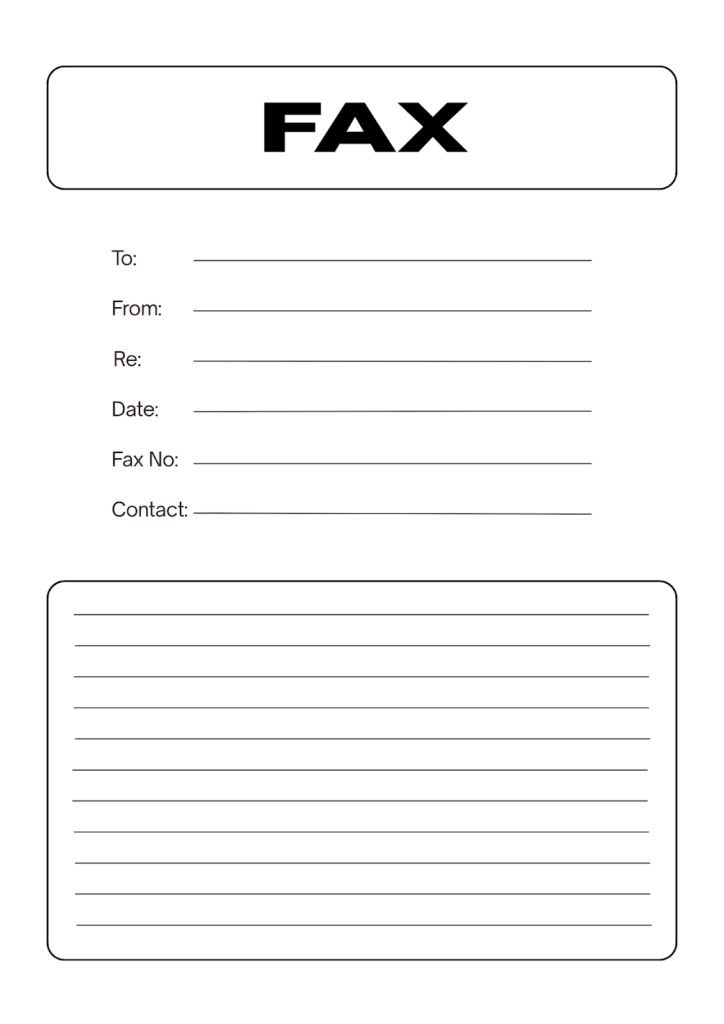
Template 1: Minimal Black and White Fax Sheet
The first template keeps things as simple as possible. A bold FAX header is placed inside a rounded rectangle at the top of the page, followed by six clearly labeled fields: To, From, Re, Date, Fax No, and Contact. A lined notes area at the bottom gives space for a short message or any additional details the recipient needs to know.
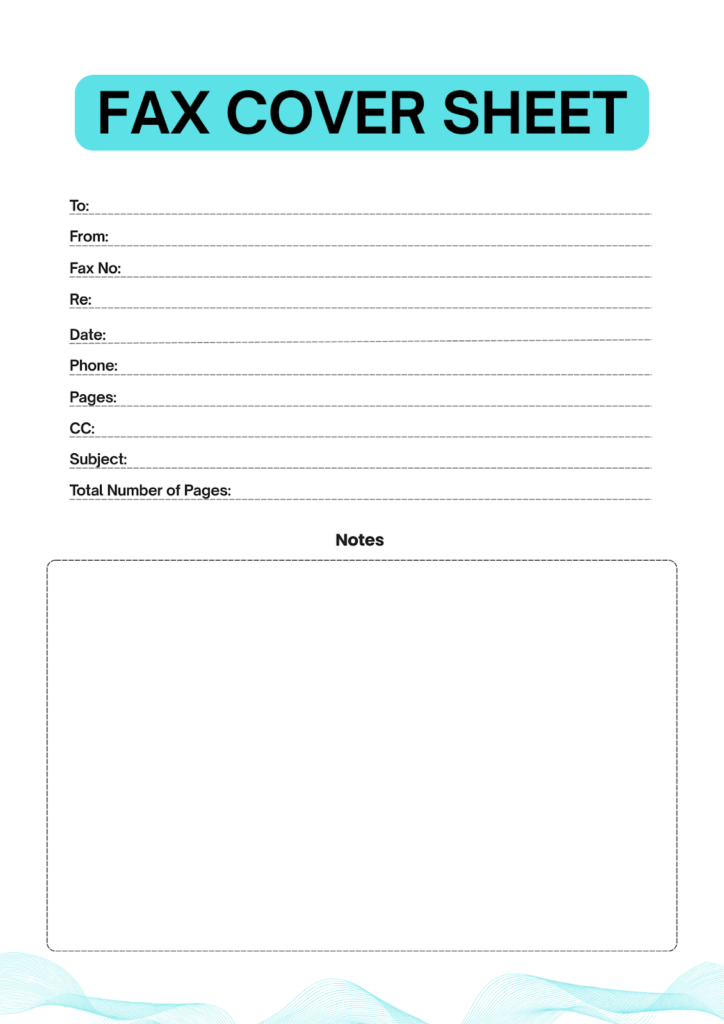
Template 2: Teal Header with Full Detail Fields
The second template uses a bold teal header bar across the top with the title in large white lettering. Below it, ten labeled fields cover everything from recipient and sender information to CC, subject, total page count, and phone number. A large bordered notes box takes up the lower half of the page, and a decorative wave pattern runs along the bottom edge.
For written correspondence that goes alongside your faxed documents, these free printable blank letter templates give you a clean, professional format to work with.
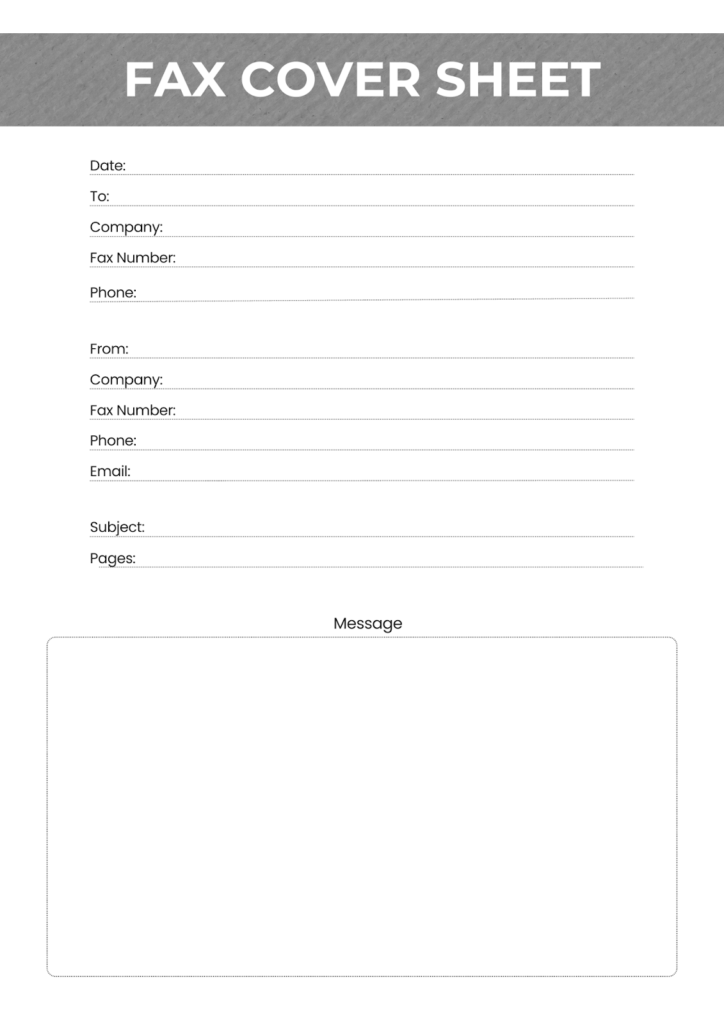
Template 3: Grey Header with Dual Sender and Recipient Blocks
The third template divides the contact information into two clear sections, one for the recipient and one for the sender, each with its own company name, fax number, phone, and email fields. A grey textured header bar carries the title at the top. Subject and page count fields sit between the two contact blocks, and a large message box fills the lower portion of the sheet.
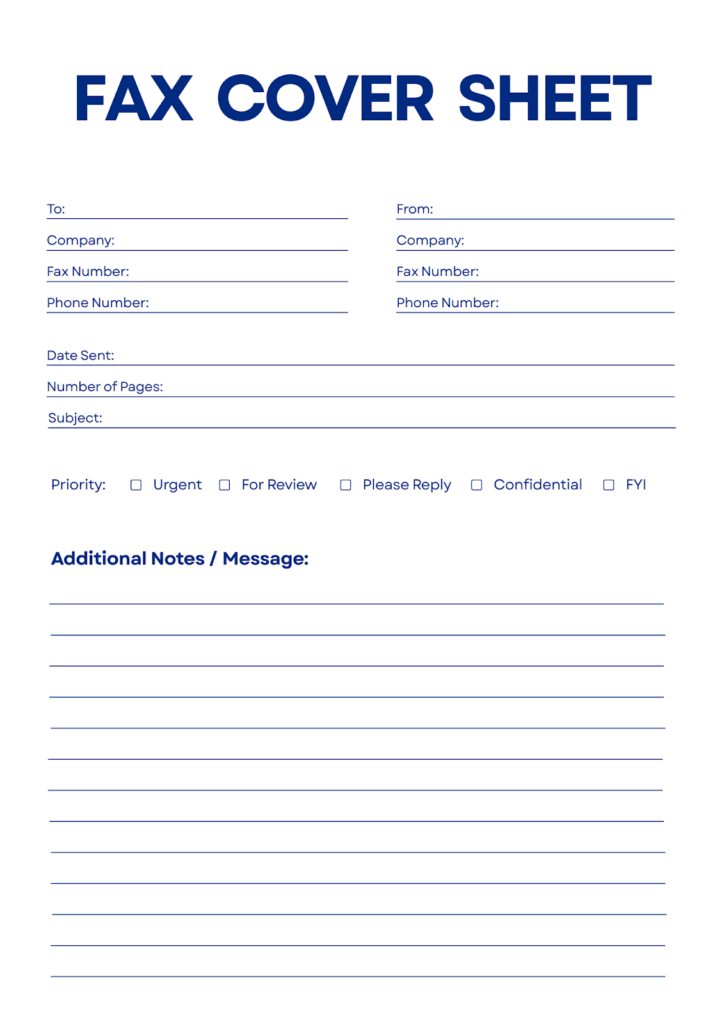
Template 4: Navy Blue Priority Checkbox Sheet
The fourth template introduces a feature none of the others have: a priority checkbox row. Below the standard sender and recipient fields, arranged in a clean two-column layout, a dedicated priority line offers five checkbox options, including Urgent, For Review, Please Reply, Confidential, and FYI. Date sent, number of pages, and subject fields round out the header section, and a wide ruled notes area fills the lower half.
Template 5: Address Block with Two-Column Layout
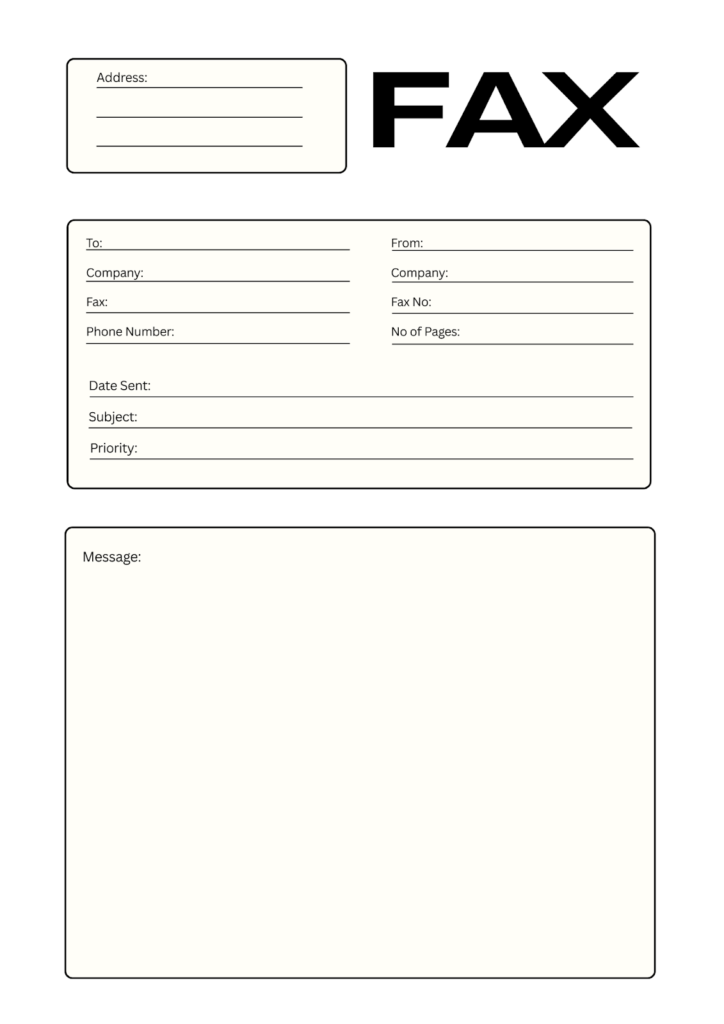
The fifth template adds something the others do not include: a dedicated address block in the upper left corner, sitting alongside the large FAX header on the right. Below that, a bordered section organizes sender and recipient details into a clean two-column layout covering company, fax, and phone number. Date sent, subject, and priority fields sit below, followed by a large bordered message box at the bottom.
How to Get Started With These Templates
All five templates are available as PDF files and can be printed on standard letter-size paper. Print a stack of templates and keep them near your fax machine for quick access.
If you want to fill them in digitally before printing, open the PDF in any editor that supports form filling or annotation and type directly into the fields.
All five are free to download and ready to print, so find the one that suits your workflow and start sending faxes the right way.