
Fair results are a foundation of every competition, contest, or a talent show. No matter if it is a community event or an intercollegiate festival, competitions require trust. Participants need to believe that the results shall be fair. So, organizers need a clear record to prove it.
That is where a printable judges’ score sheet is an easy way to satisfy both. The sheets help turn opinions into organized numbers. It also allows every judge to stay on the same page. The printable version makes it convenient to edit criteria, add the event name, or simply use it as it is.
What to Look for in a Printable Judges Score Sheet?
Before looking at the individual pages, you must know what makes a score sheet usable. You would not want to pick a template simply because it looks attractive.
1. Clear Identification
A printable should have space for the event name, date, judge, and entry. It ensures details are well-mentioned before the competition begins.
2. Defined Criteria
Judges score better when categories such as creativity or originality are spelled out. You can look for sheets that mention the generic criteria. However, if you have different ones, look for printables with blank spaces.
3. Room for Comments
Most times, judges wish to mention something special or helpful about a participant or the event. A template with a notes section helps participants learn from their mistakes. You can hand out printable blank pages for typing for noting additional information.
4. A Signature Line
Signature is crucial when organizing multiple competitions in a day or a week-long event. When you have different judges for multiple categories, signing confirms that the judge stands behind the scores.
5. Readable Layout
A scoring sheet should be visually appealing and spacious. If it has large enough boxes, judges can mention the numbers or comments well. It helps prevent mistakes when writing quickly.
Printable Judges Score Sheet PDF: What’s Included?
This printable set contains five different designs. Each one suits a different type of event, so you can pick the page that fits your needs.
Page 1: Classic Black-and-White Grid Sheet
If you are looking for a minimal design, this is your go-to option. This has a large table with an entry column followed by seven judge columns labeled Judge 1 through Judge 7. The table has empty rows, one for each entry.
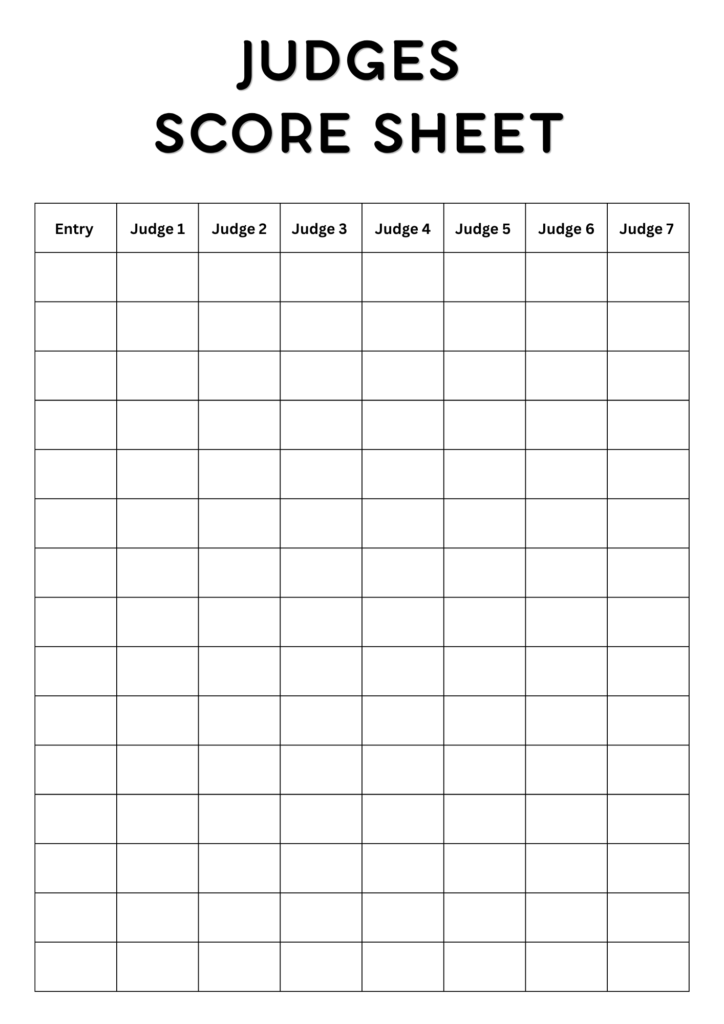
This layout is built for the organizer or scorekeeper who wants every judge’s score. You can now do this on a single page instead of multiple pages. Simply write the entry number in the first column and fill in each judge’s score across the row.
The page is printer-friendly because it uses no color. It is best for large events with many participants and multiple judges. The sheet works well for talent shows, school contests, and tournaments. For sports events, you can also check these printable golf score cards templates.
Page 2: Colorful Multi-Judge Panel Sheet
The second page has a warm peach background with orange details. It is divided into six panels, arranged in two rows of three, labeled Judge 1 through Judge 6. Each panel contains numbered lines from 1 to 10 for recording scores. It also has space for a signature along with a winner field.
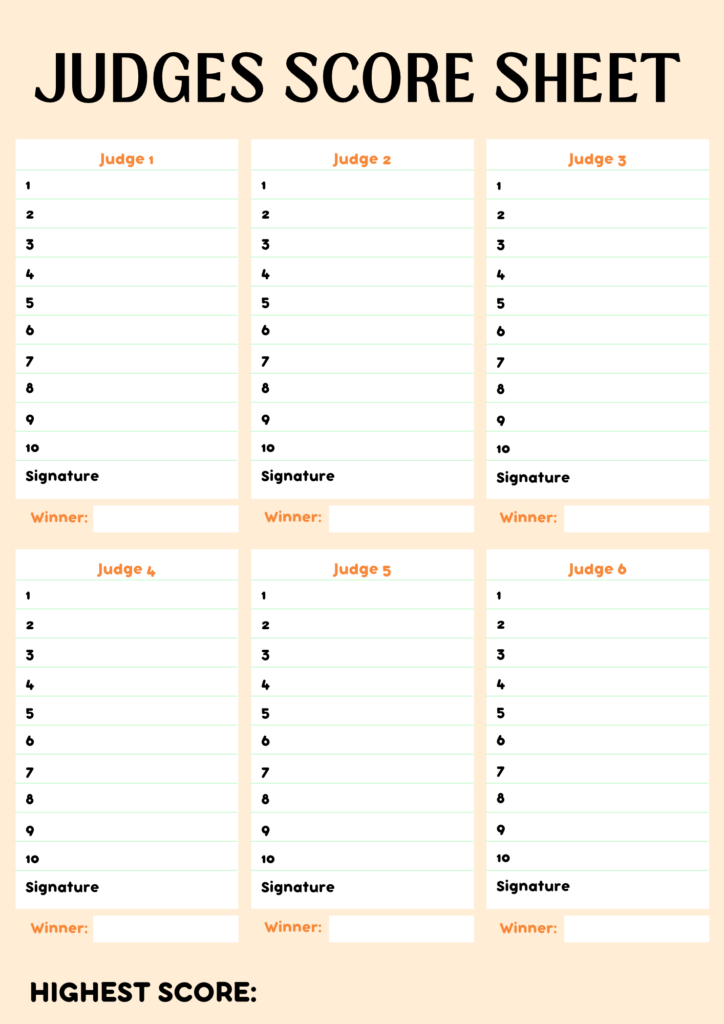
You can note the highest score at the bottom of the page. This design lets six judges share a single sheet. Even one organizer can collect all six judges’ top ten rankings in one go.
The numbered lines work well for ranking-style contests. So, each judge can list their favorite ten entries in order. The cheerful colors make it appealing for children’s events, school fairs, and community celebrations. Running a quiz night? Use printable trivia score sheet templates alongside it.
Page 3: Blue Performance Evaluation Cards
The third page has a crisp blue-and-white style with a bold black title. You can find three identical evaluation blocks. Each block includes a name field, a grade field, a performance row with five empty stars, a score field, an evaluations box for written comments, and a signature line.
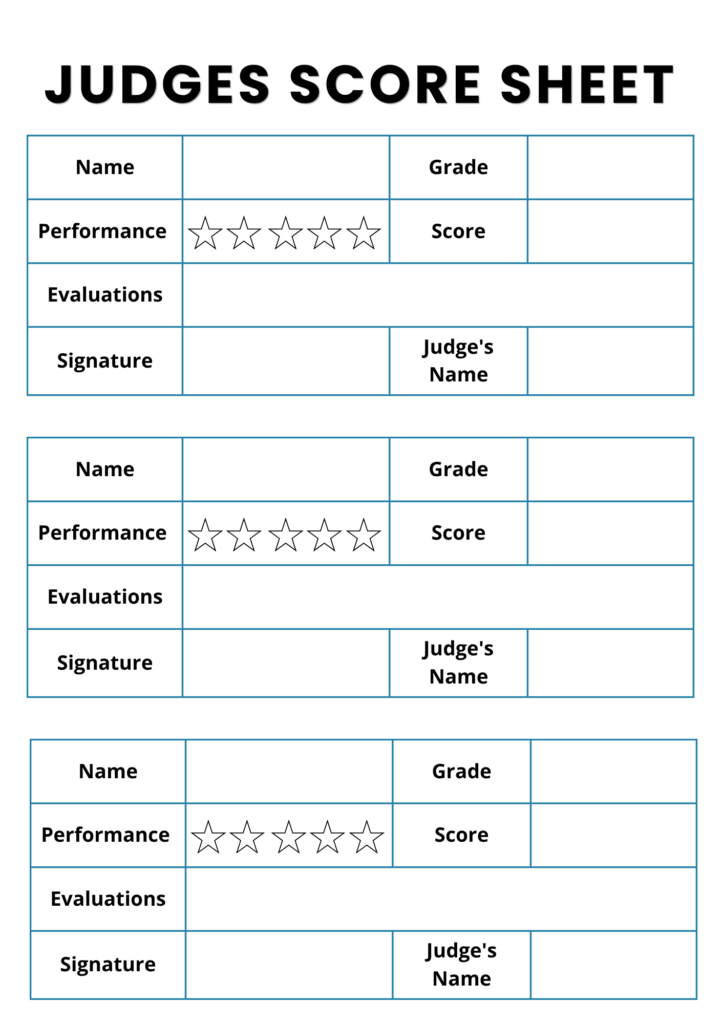
What makes this printable stand out is the star rating. Judges can shade or circle stars for a quick visual rating. Similarly, they can add a numeric score and a short comment. Because there are three blocks on one page, a judge can evaluate three participants without flipping sheets.
This page is ideal for individual performances. You can use this one for solo singing, public speaking, music recitals, classroom presentations, and audition rounds. For athletic routines, check these printable gymnastics score sheets.
Page 4: Red Creativity Scoring Table
If you are looking for a bold design, this is the perfect page to start with. The top section includes event name, date, and judge name fields. You can also find a scoring table with columns for name, creativity, originality, impact, and total below this.
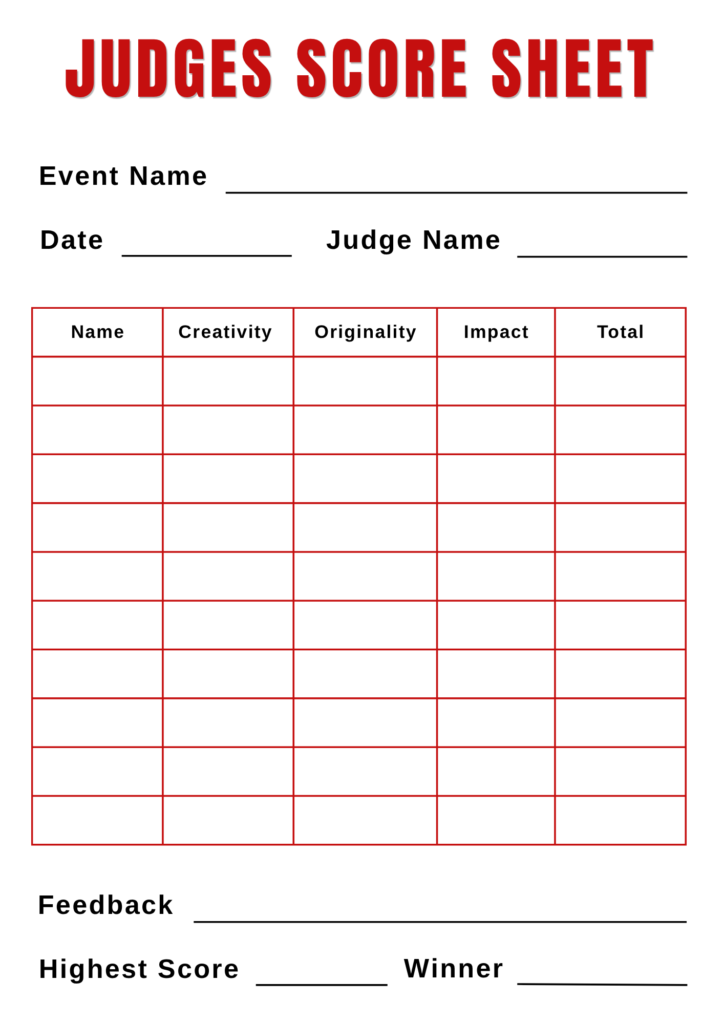
The table has ten rows to note details of participants. The page also has space to mention feedback, the highest score, and winner. Unlike other designs, this one can be used by a single judge for scoring multiple participants.
As the page has three named criteria, it makes judging more objective. Each participant is rated on specific qualities rather than a general impression. The total column makes final calculations quick. It works well for art shows, design contests, costume competitions, and creative writing events.
Page 5: Green Scoring Criteria Sheet
The final page gives you a detailed and professional appeal. It has a table on the top of the page with fields for competition name, team name, judge’s name, date, category, and entry number.
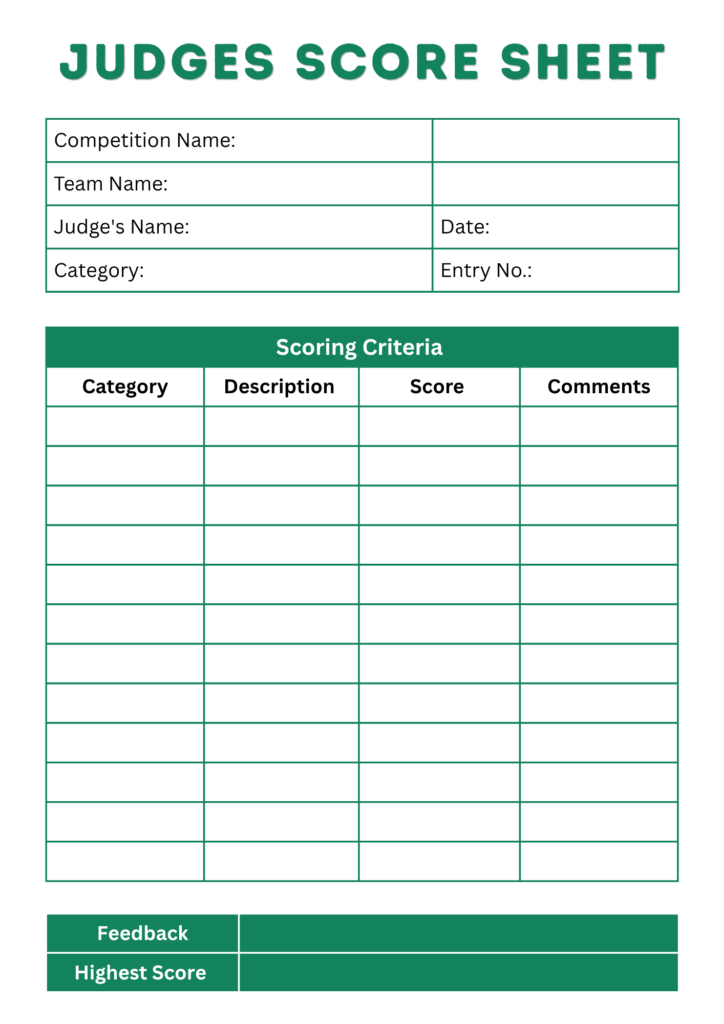
The page also has a scoring criteria table with four columns for category, description, score, and comments. A footer section provides space for feedback and the highest score. The description column is what sets this page apart. Judges can write the exact meaning of each criterion.
The comments column helps them add personalized feedback for each category. This page is suitable for team competitions, business pitch contests, science fairs, hackathons, and debates.
Tips for Using Printable Judge Score Sheets Effectively
- To use these sheets well, you must brief your judges first. Make sure to explain the scale, define each criterion, and clarify how ties will be handled before the event begins.
- It is important to print extra copies of the template you select. Judges might make mistakes or spills, or you may need last-minute additions.
- Use pens instead of pencils. Ink prevents accidental smudging and discourages later alterations. Even a single clean strikethrough with initials can fix errors.
- Keep judging independently. Ask judges to score without discussing their marks until the round ends. One opinion should not influence the rest.
- Collect sheets promptly. Have a scorekeeper gather the sheets after each round and verify totals before announcing results. For round-based sports, printable archery score cards make this even easier.
- Make sure to store records and keep signed sheets for a few weeks. If anyone requests a review, you can be ready with the sheet.
Wrapping Up
A good score sheet makes judging easier for everyone. Judges know what to look at, organizers get clean records, and participants feel the result was fair. With five different layouts in this pack, you can pick one that suits your event. You can easily use it for events, small classroom activities, or important contests. Print a few extra copies, explain the scoring to judges, and the rest of the day can run more smoothly.